Start with a link
One link.
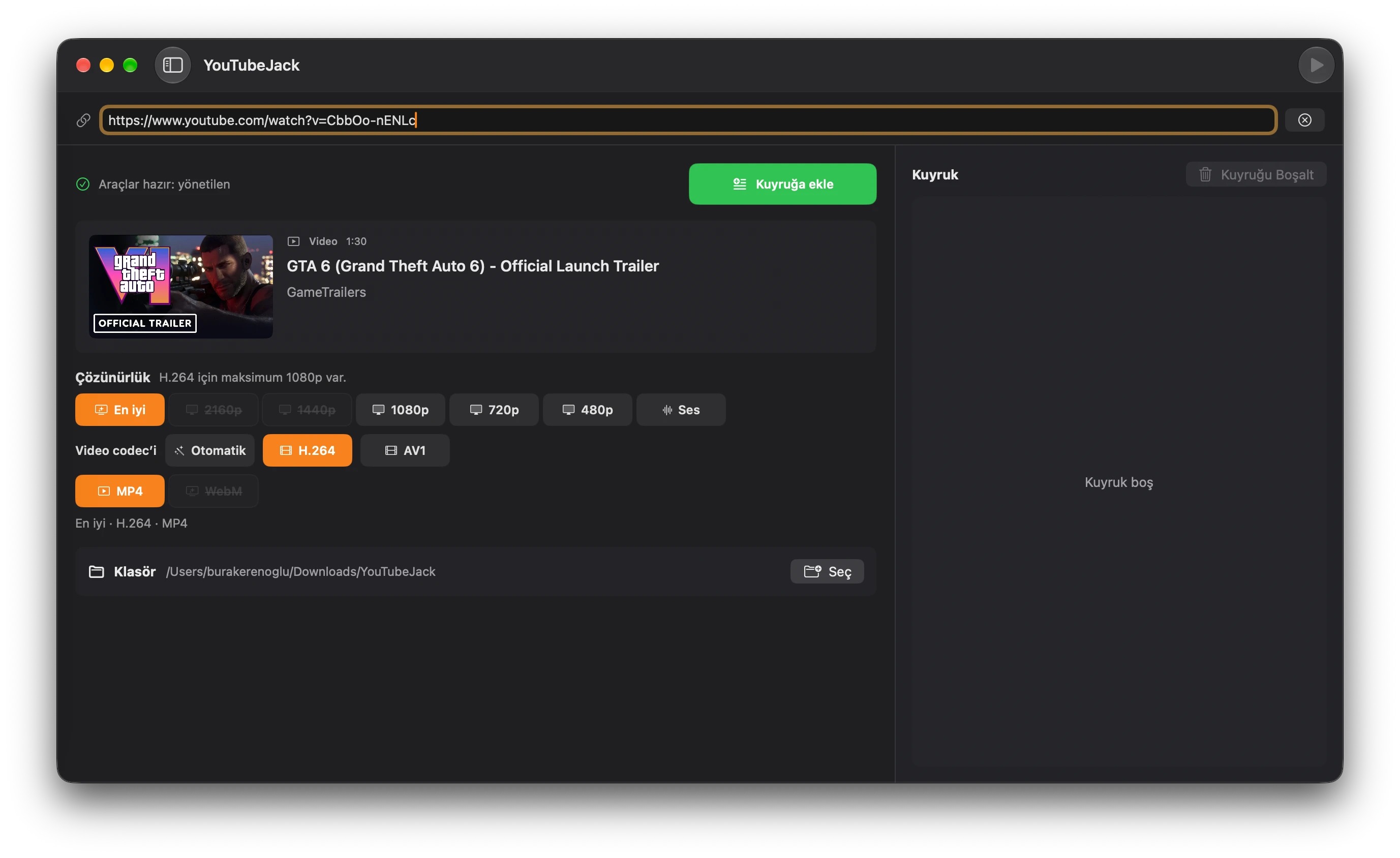
A clear preview.
See the title, channel, duration and thumbnail before you add a video to your queue.
A native YouTube downloader for Mac
Paste a link. Pick your quality. Keep your downloads in one clear queue. A familiar Mac app for videos, playlists and a little less back and forth.
Apple Silicon · macOS 14+
From link to library.
Start with a link
See the title, channel, duration and thumbnail before you add a video to your queue.
Playlists, too
Select the playlist entries you want and add them together. Leave the rest for another day.
Quality + Formats
Choose from the qualities and codecs available for your video. Save video, or just the audio.
A queue you control
Start, pause, retry or remove. Drag your downloads into the order that works for you.
Everything in the box
yt-dlp and ffmpeg come with the app. Skip the Homebrew setup, with yt-dlp updates managed for you.
Up and running
Download the latest DMG, open it and drag YouTubeJack into Applications. The runtime tools are already included.
Paste a YouTube video or playlist link. Check the preview and select the playlist entries you want.
Pick an available quality, codec and format, choose your folder, then add the item to the queue and start downloading.
A few useful answers
The current download is for Apple Silicon Macs running macOS 14 or later. yt-dlp and ffmpeg are included, so Homebrew is not required.
Yes. Paste a YouTube playlist link, select the entries you want, then add them to the queue. You can select all entries or clear the selection before queueing.
YouTubeJack checks the streams available for each video. Your selected resolution, video codec and container must work together. Unavailable choices are disabled, so not every video offers every resolution or format.
No Homebrew setup is needed. yt-dlp and ffmpeg are bundled with the app. YouTubeJack also manages yt-dlp updates and checks GitHub for new app releases.

Apple Silicon · macOS 14+ · Latest stable release